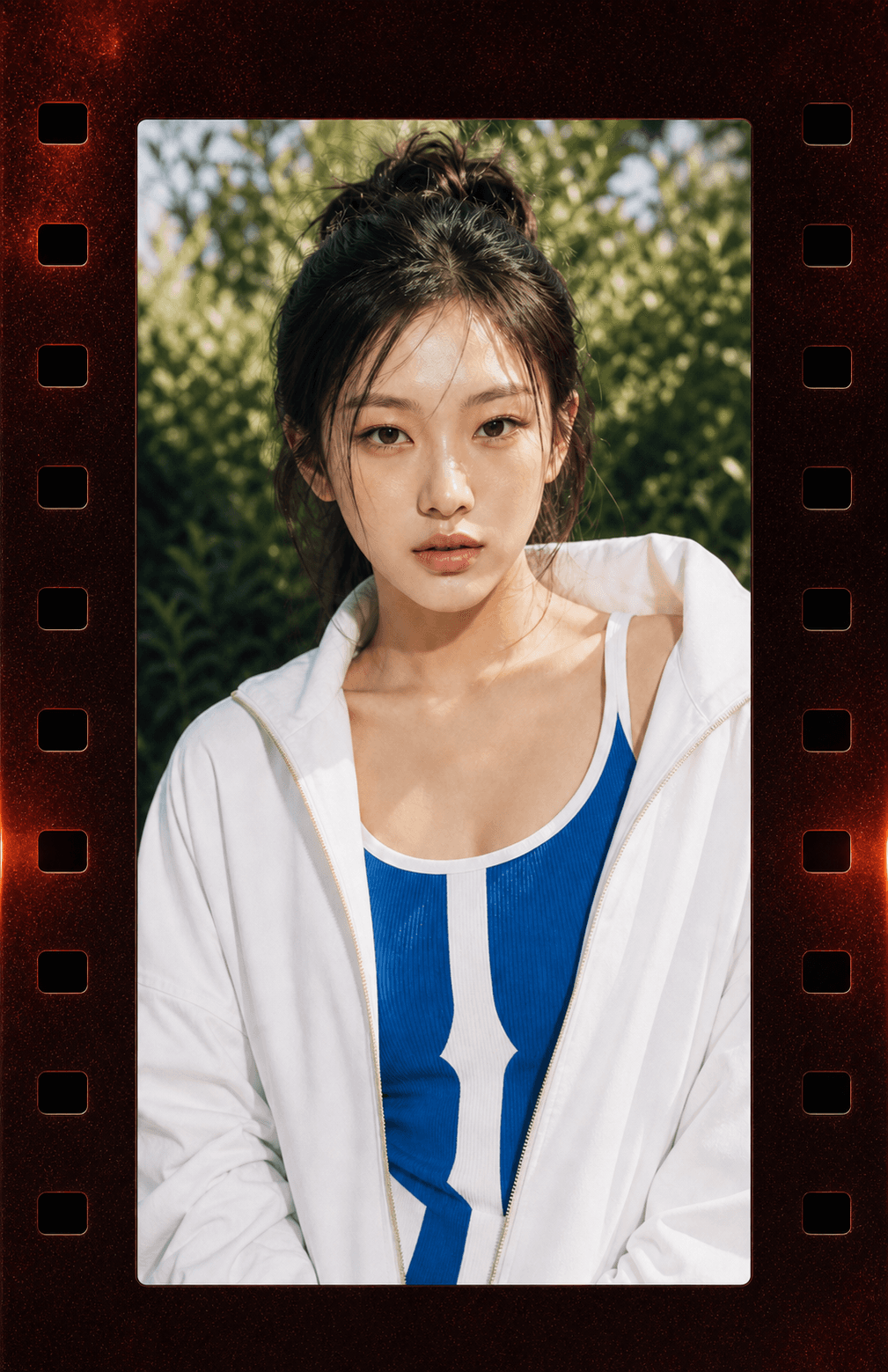
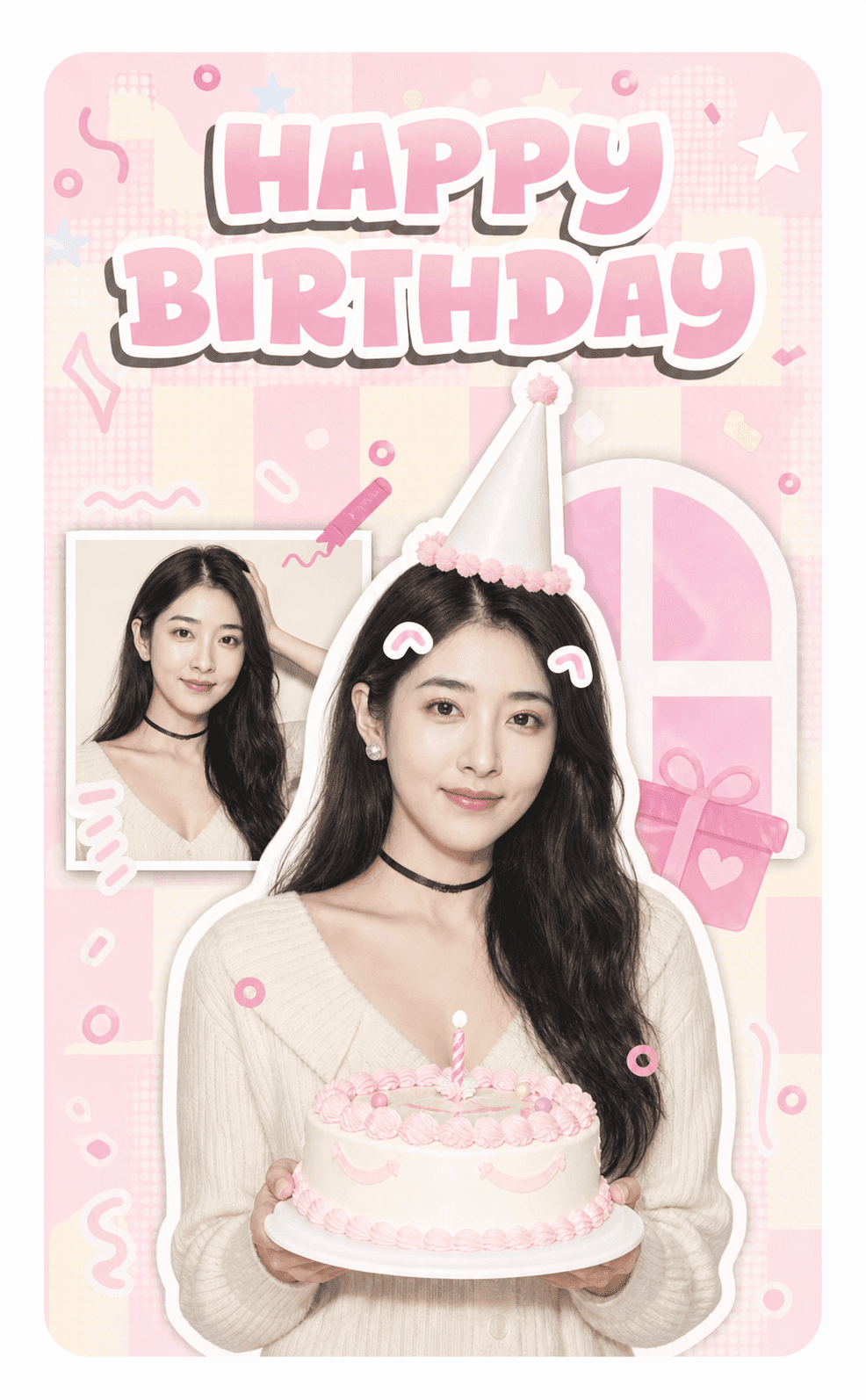
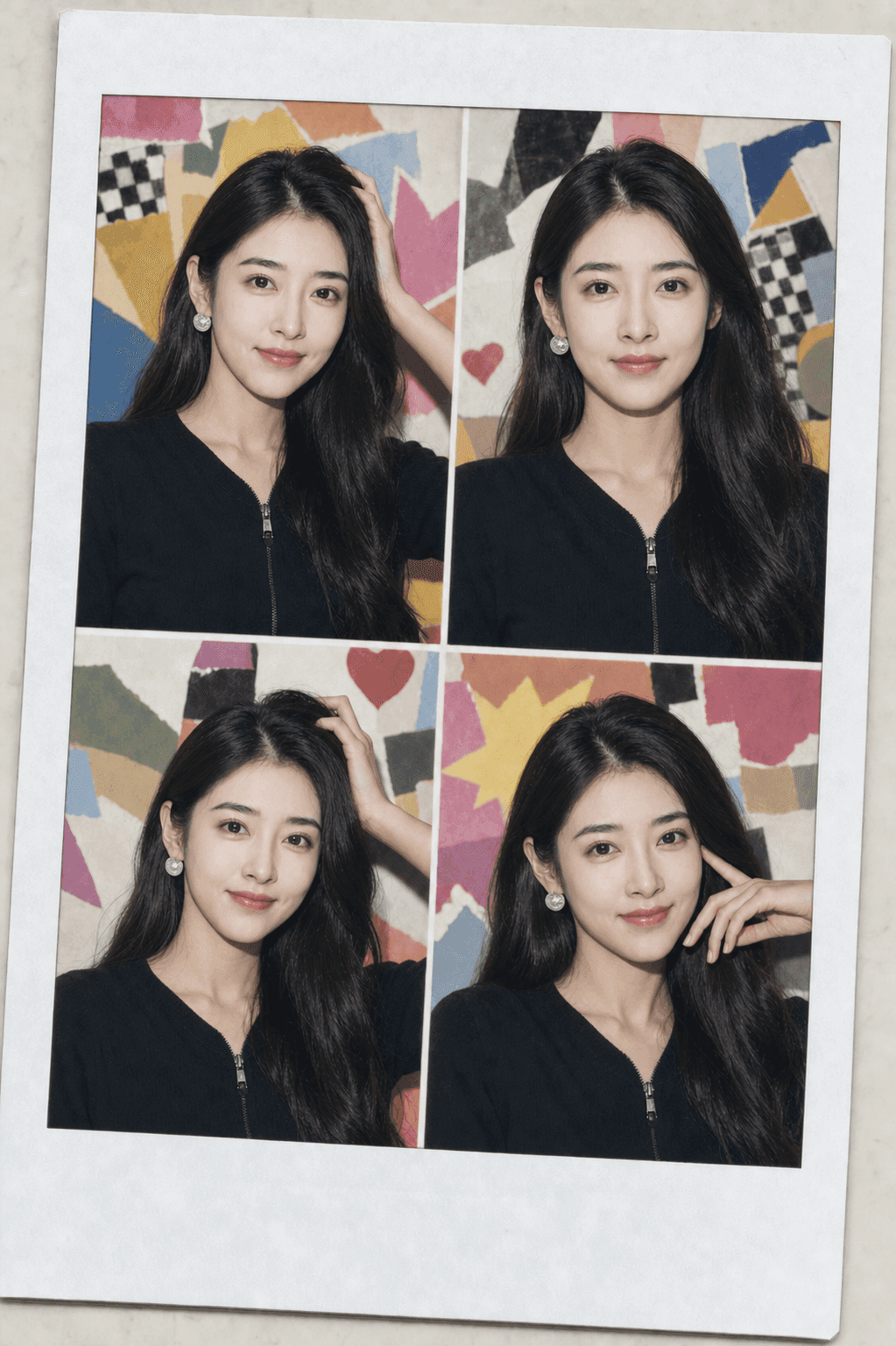
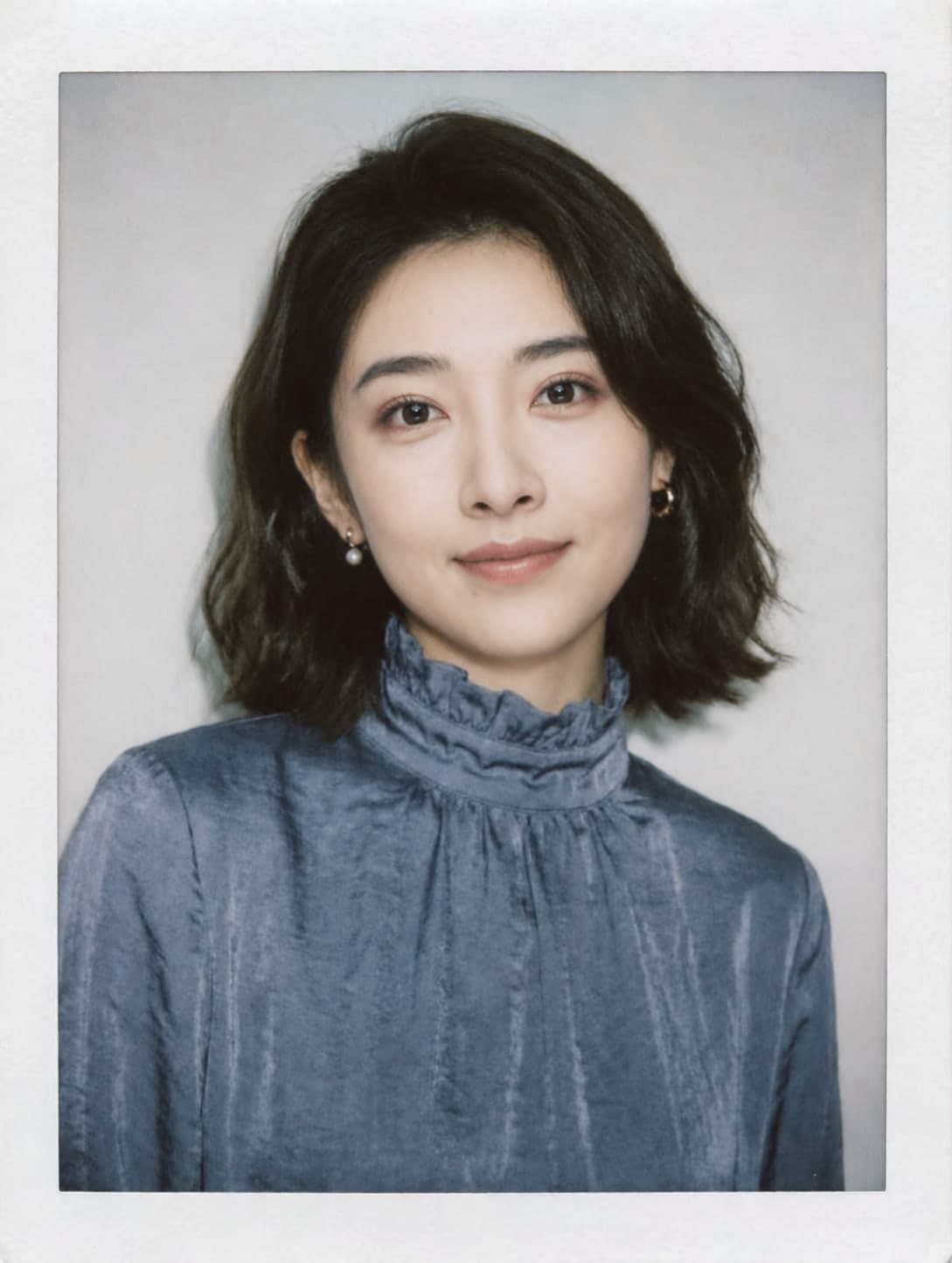
One generator · Controlled templates · Real exports
Generate a photocard with AI in seconds
AI design keeps you recognizable while coordinating your portrait with the template. Small natural adjustments help the composition fit. For photo compositing, use Keep original photo.
Swipe to see more styles
Step 1 of 4
Choose a template
15 templates for Photocard. Choose another card style above or switch templates anytime.
Ribbon Stars1 photo
Add photoAdd 1 photo
Use an everyday photo. We focus on your portrait; for group photos, choose one person.
Private · AI referencePrivate upload · sent to Seedream as a visual reference
Step 3 of 4
Live composition preview
Layout changes are free
Add 1 photos to start.
Step 4 of 4
Generate your card
Loading generation options…
A Pull is charged when generation starts.
Sign in required·Pulls required·Paid · HD
Sign in · Required to create·Pulls · Required to generate·Paid · Clean selected HD output
Choose a sharp photo with one visible face and enough space around the head and shoulders.
02
Choose an original template
Compare the available examples and select the lighting, setting, and finish you want.
03
Generate, review, and export
Check the clean preview, then unlock the high-resolution output size you selected when it looks right.
Questions fans ask
What people ask an AI photocard generator
How fast can an AI photocard generator make a preview?
After your portraits upload successfully, the generator returns a clean low-resolution Preview as soon as its first render passes safety checks. If you explicitly choose HD, the native-4K file is prepared in a separate background stage.
Can I generate a photocard from a selfie?
Yes. Everyday photos work; a clean background is not required. Single-person photos keep their full visible figure as the reference. For group photos, choose one person; we crop only as needed to exclude other faces. For multi-photo templates, add one reference for each spot.
Is an AI photo card the same as a random text-to-image result?
No. Photocard.ai combines your portraits with a versioned template, coordinated portrait and decoration design, fixed output dimensions, and export rules. Your identity, emotional expression and main action guide the result.
Can I try the AI generator before paying?
Generating requires available Pulls. New accounts start with zero Pulls, so choose an HD image plan to start creating. If you explicitly select an HD Pull, the Preview appears first and the selected native-4K export is prepared in the background.
Made for fans
A controlled generator for more than one card task
K-pop
Original concept cards
Generate album, birthday, photobooth, and vintage fan-made layouts.
Identity
Recognizable portraits
Keep your recognizable look and main expression while AI coordinates your portrait with the template’s lighting, framing and decorations.
Output
One selected output
Choose photocard, bleed, Story, or landscape before generation and receive only that clean format.
Formats
A shared generator
Use one workspace as new controlled photo-card formats become available.
Quick answers
AI photocard generator FAQ
What is an AI photocard generator?+
It turns one or more permitted portraits into a designed photo card by combining identity references with a controlled template and export format.
Which AI photo card formats are available now?+
The K-pop photocard workflow is available with album-concept, birthday, photobooth, and vintage templates. More card formats can join the same generator later.
Will the AI generator keep my face recognizable?+
We instruct AI to keep your recognizable identity, emotional expression and main action while allowing small natural adjustments. Your portrait, lighting, framing and decorations are designed together to suit the template. We avoid major changes to your face or pose; generated details can still vary.
What files can I download?+
You can review a clean low-resolution preview first. An HD unlock provides the high-resolution photocard, bleed, Story, or landscape file selected before generation.