How do I make my own K-pop photocard online?
Upload a permitted portrait, choose an original album, birthday, photobooth, or vintage concept, then generate a preview in the editor above.
Sign in required · No app required
Without AIKeeps your pose and appearance. Want a closer template match?Try AI Generator
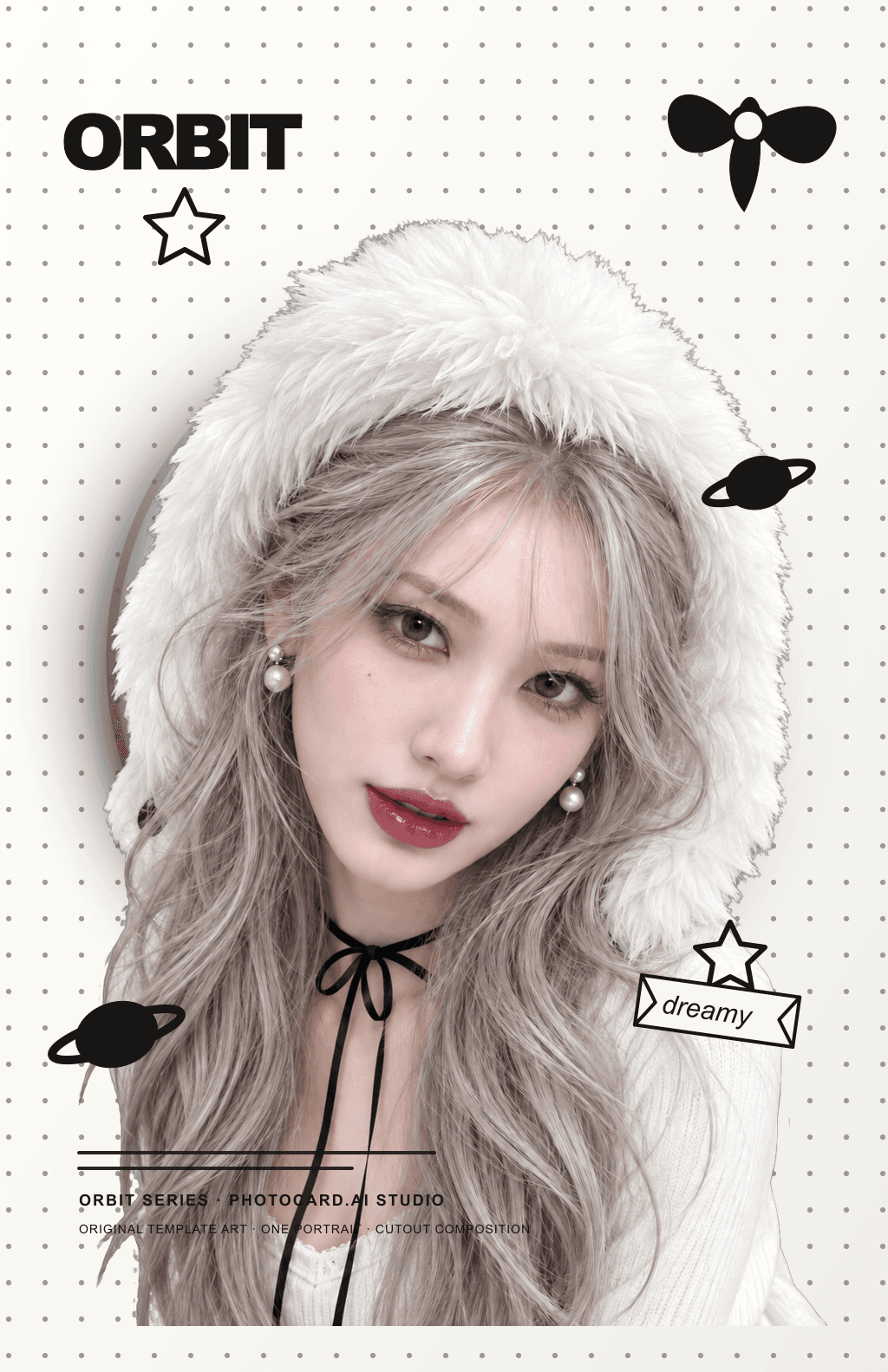
Template example · your photo will appear here
Finished cards
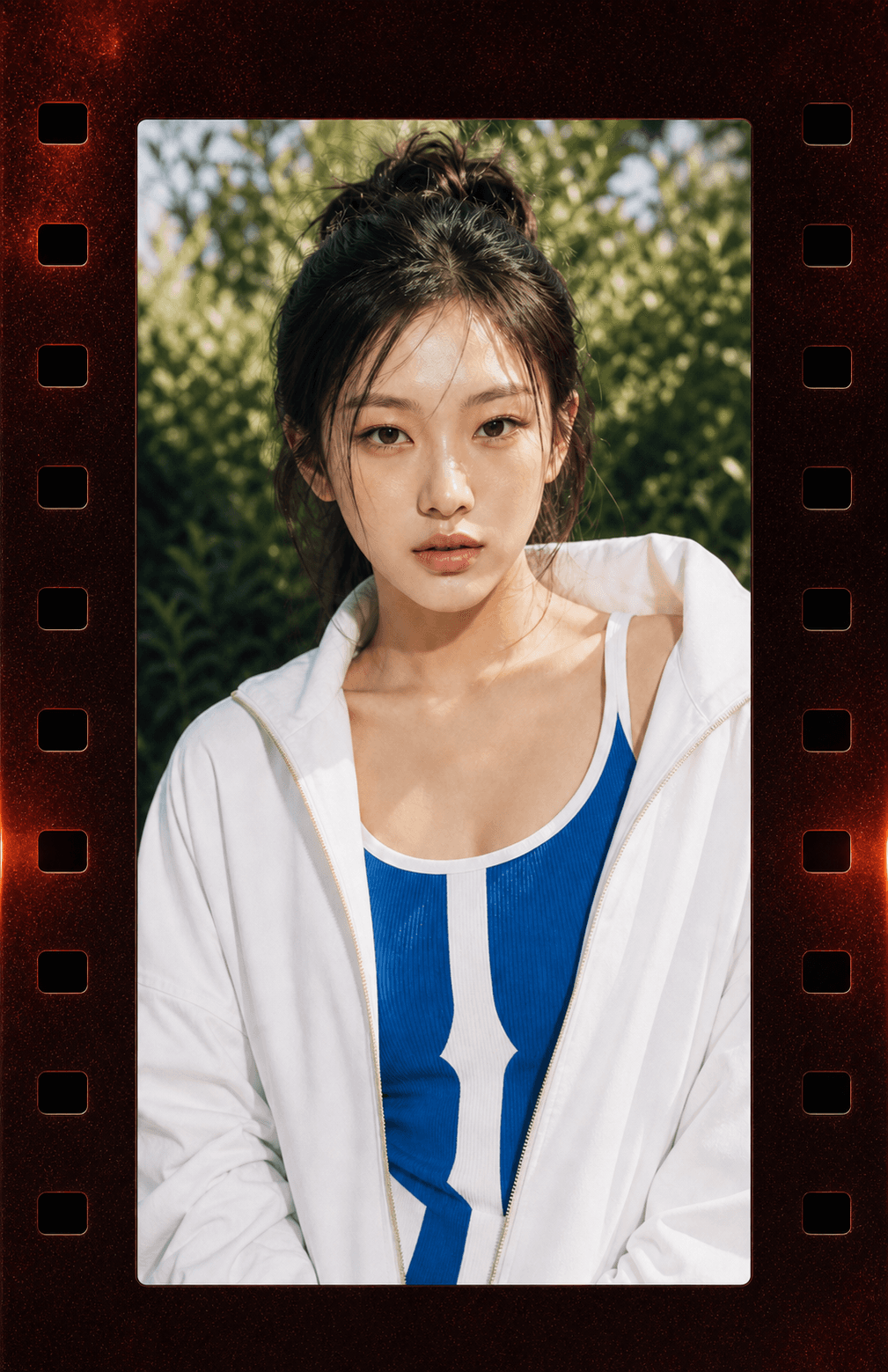
Album · Crystal Film
Artist-made by @photocardai
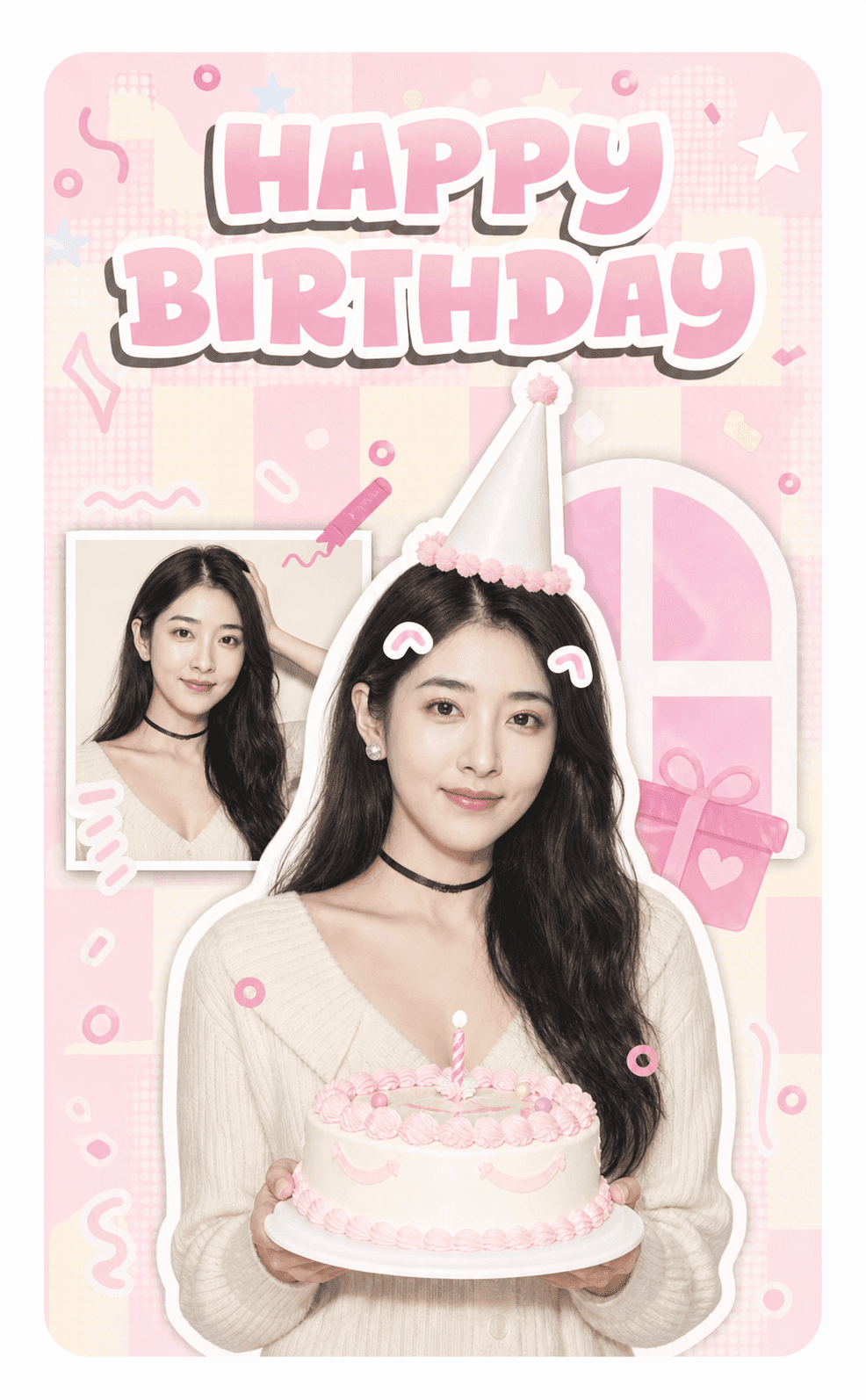
Birthday · Pink Party
Artist-made by @photocardai
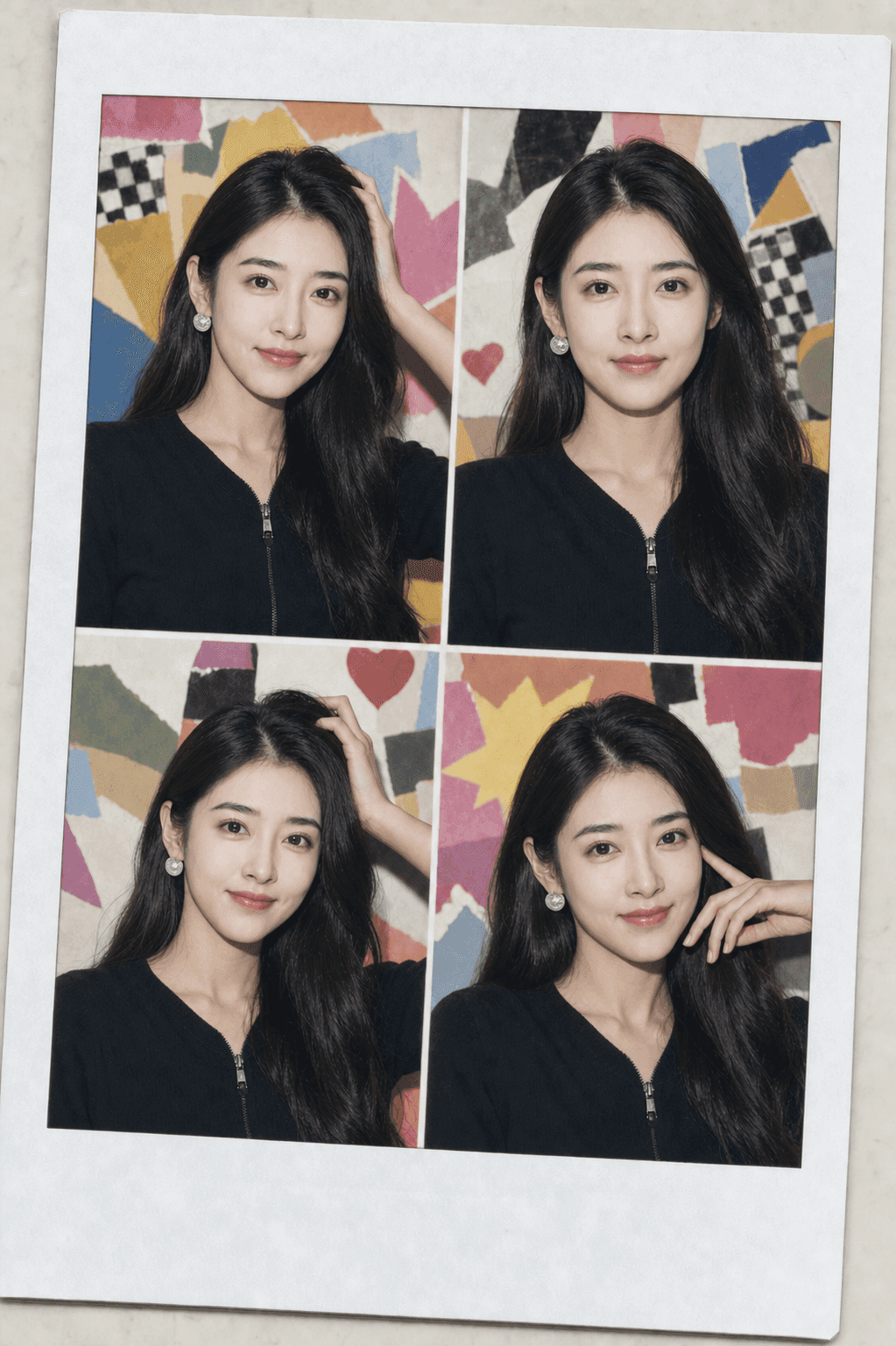
Photobooth · Color Collage
Artist-made by @photocardai
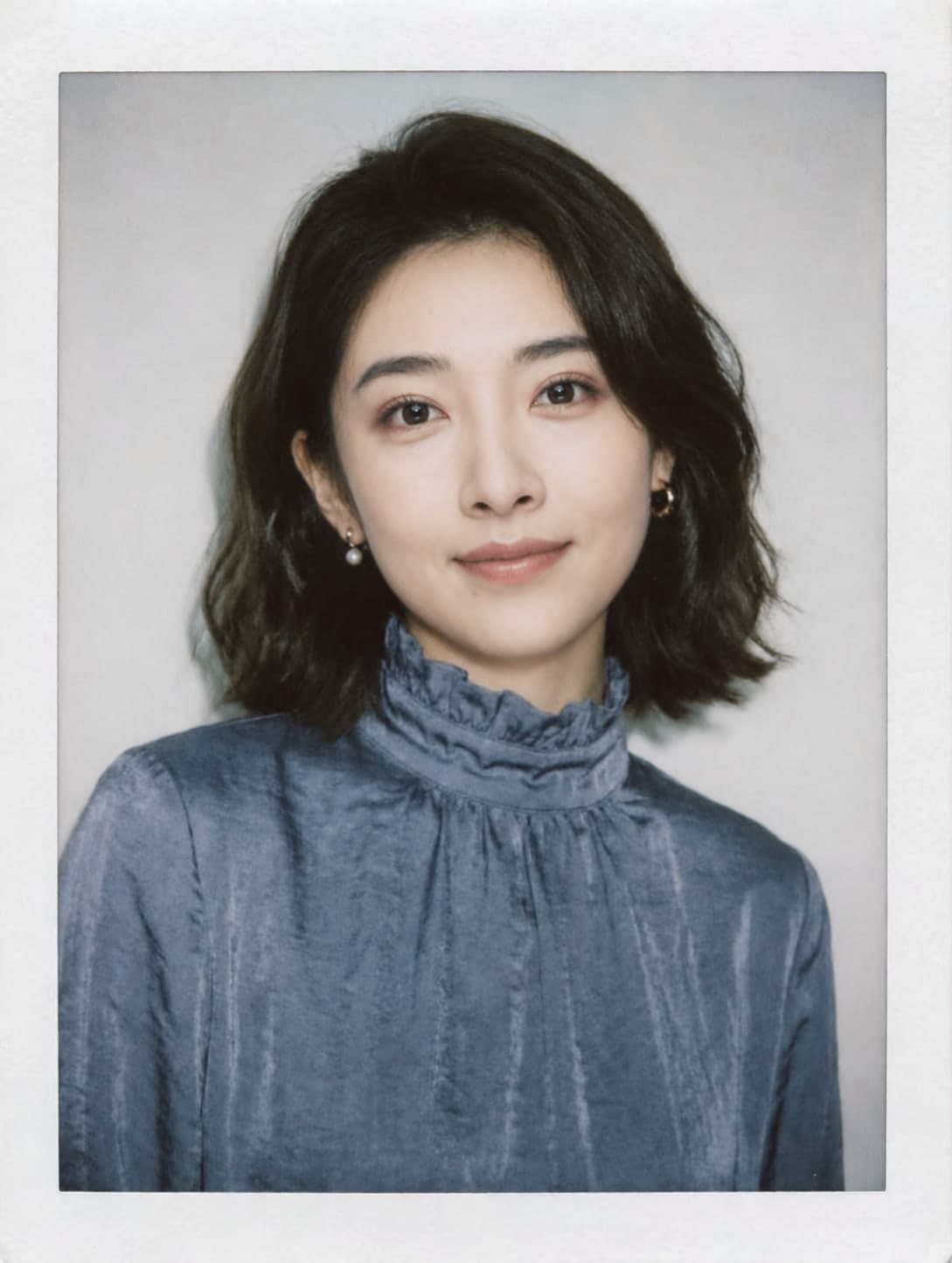
Vintage · Clean White
Artist-made by @photocardai
How to use
Pick an original card style, upload the portrait it needs, and choose the person to keep if more than one face is visible.
Before generating, adjust your photo position and size, choose a filter and outline, or add stickers in the free live layout preview.
Use one Pull to create the final card. Downloads use no extra Pull. With HD, you can add a back design or arrange a print sheet.
Questions fans ask
Upload a permitted portrait, choose an original album, birthday, photobooth, or vintage concept, then generate a preview in the editor above.
The complete source portrait stays in the workflow as Seedream's visual identity reference. The prompt asks it to keep you recognizable, but exact identity preservation is not guaranteed.
No. Template selection, upload, preview, and export all run in the browser without a separate design app.
Yes. Choose a clean 55 × 85 mm card or a 61 × 91 mm canvas with 3 mm bleed before generation.
See the complete size guideMade for fans
Solo
Turn one clear portrait into an original album-style or vintage card.
Friends
Use permitted portraits in playful layouts made for a personal gift.
Booth
Build consistent photobooth grids from the exact four portraits requested.
Prepare a measured card, full-bleed artwork, and eight-up print sheets.
Quick answers
Use a sharp portrait of one person with a visible, preferably front-facing face. JPG, PNG, WebP, HEIC, and HEIF files up to 12 MB are supported.
No. The concepts are original and K-pop-inspired. They do not copy a celebrity, artist, label, logo, or protected stage identity.
Album templates use your upload as the facial-identity reference while adopting the selected card's hair, expression, clothing, and pose. Birthday, photobooth, and vintage templates keep more of your complete uploaded appearance. AI can still introduce small variations, so exact identity preservation is not guaranteed.
You can review a clean low-resolution preview first. An unlocked result provides the high-resolution photocard, bleed, Story, or landscape file selected before generation.
Keep creating
Generate
See how the shared AI card workspace handles each format.
Open pageChoose
Compare birthday, photobooth, album, and vintage layouts.
Open pageSize
Use the correct 55 × 85 mm trim, bleed, and pixel dimensions.
Open pagePrepare A4 or Letter sheets without losing the crop.
Open pageSimple pull pricing
$1.99 one-time
1 HD image generation, no expiry
Buy once and keep the unused HD allowance permanently.
$2.99 one-time
5 HD image generations, no expiry
Buy once and keep the unused HD allowance permanently.
$5.99 one-time
15 HD image generations, no expiry
Buy once and keep the unused HD allowance permanently.
$9.99 /month
35 HD image generations every month
Renews automatically each month. Cancel anytime.