


Where can I edit a K-pop photocard template online?
Choose a template on this page, then open it in the card maker. Your selected layout carries into the editor so you can upload the required portraits and review the generated preview.
Choose a product format and template, add the required photos, and preview your design.Start with the product you want to make: a classic photocard, square card, Polaroid, peel-apart print, shaped badge, or bookmark. Choose an original template, upload the exact number of clear photos shown on it, and open that design directly in its supported Maker or AI Generate workflow.
Open the MakerBrowse by format
Every format below is backed by templates available in the current editor catalog. Select one to jump to its complete collection.
Finished cards
Compare the current Photocard, Square Card, Polaroid, Peel-Apart, Badge, and Bookmark collections before opening a template.
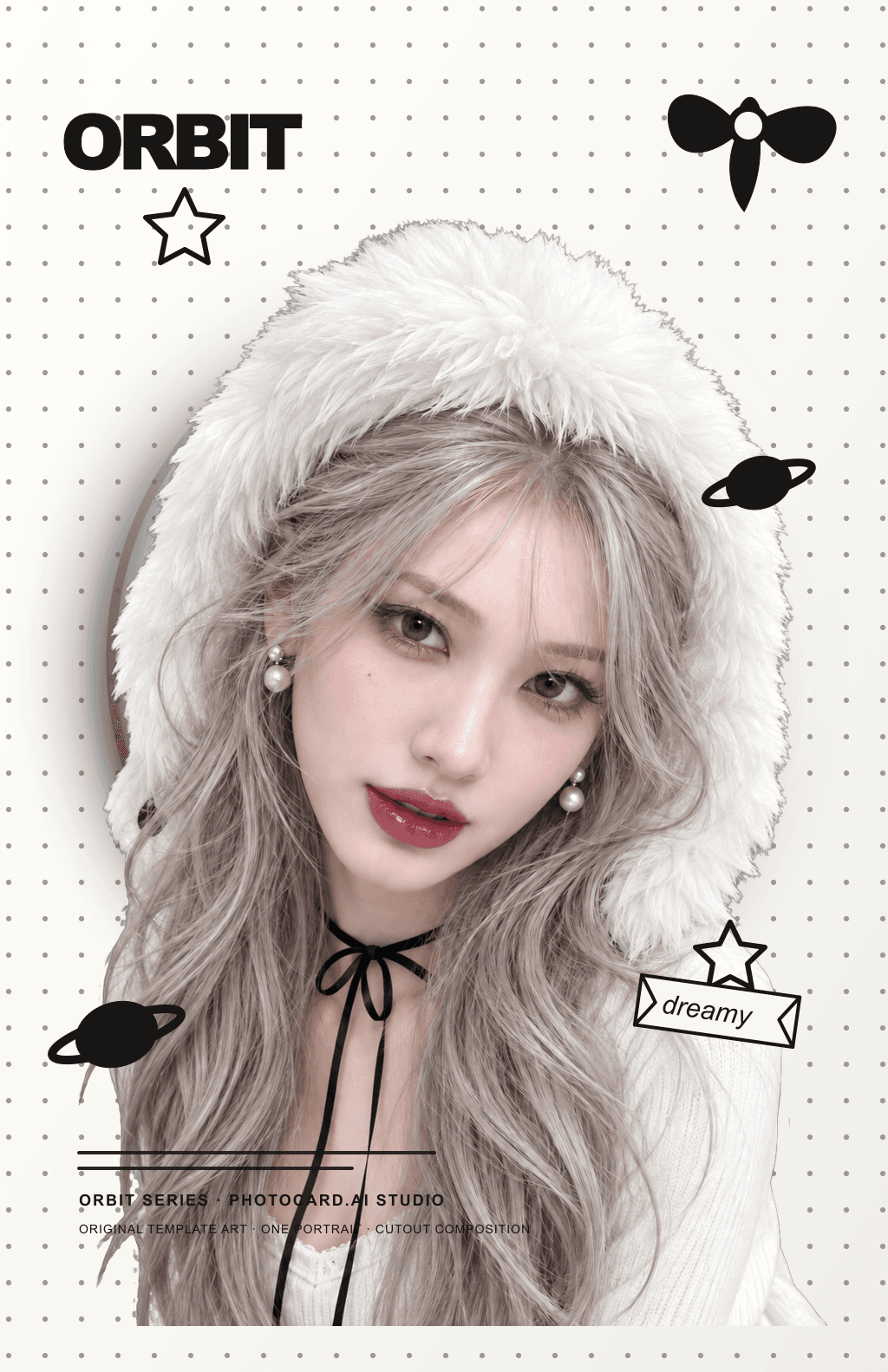
Photocard · Soft Orbit
Artist-made by @photocardai
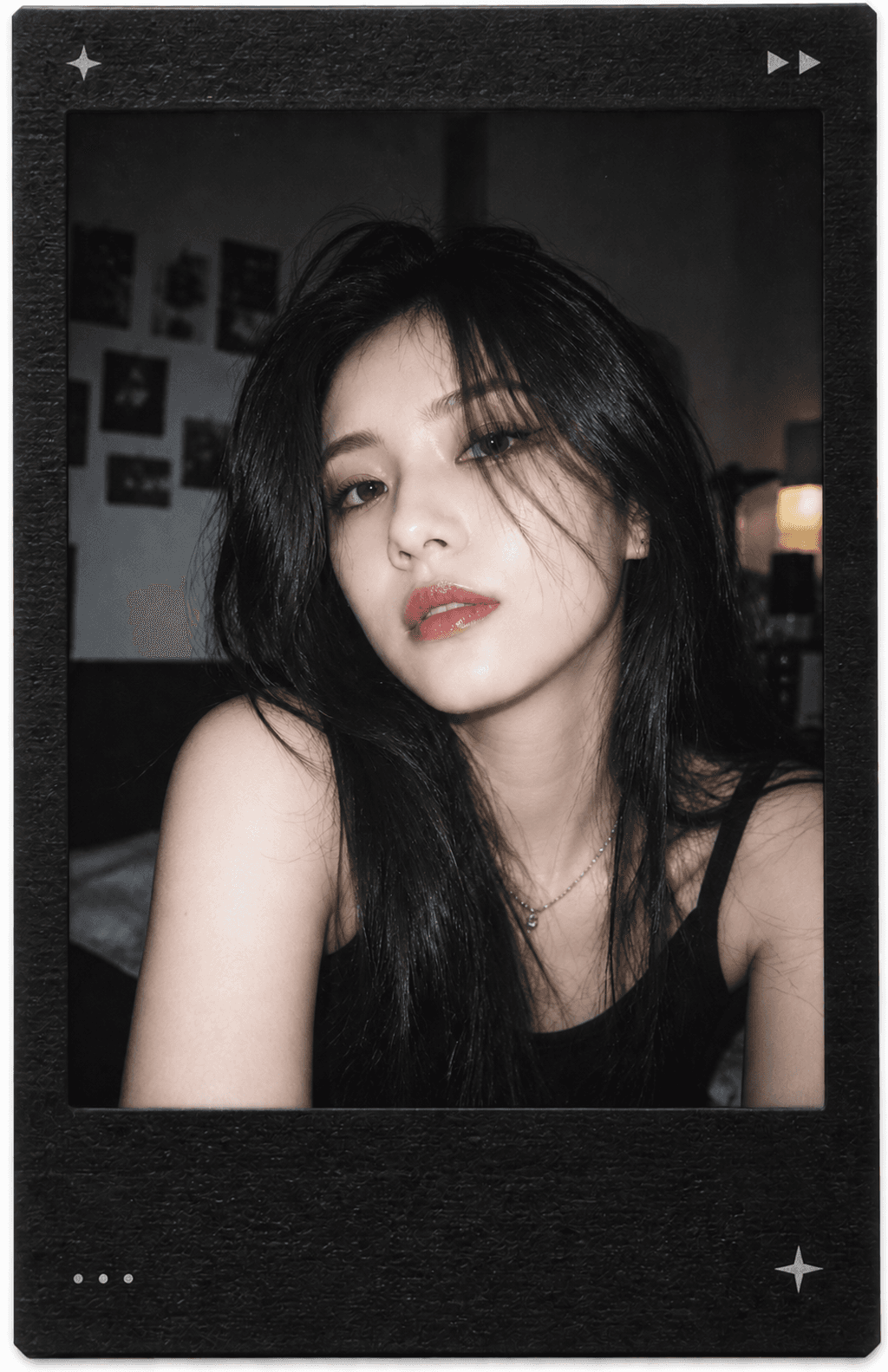
Polaroid · Midnight Replay
Artist-made by @photocardai
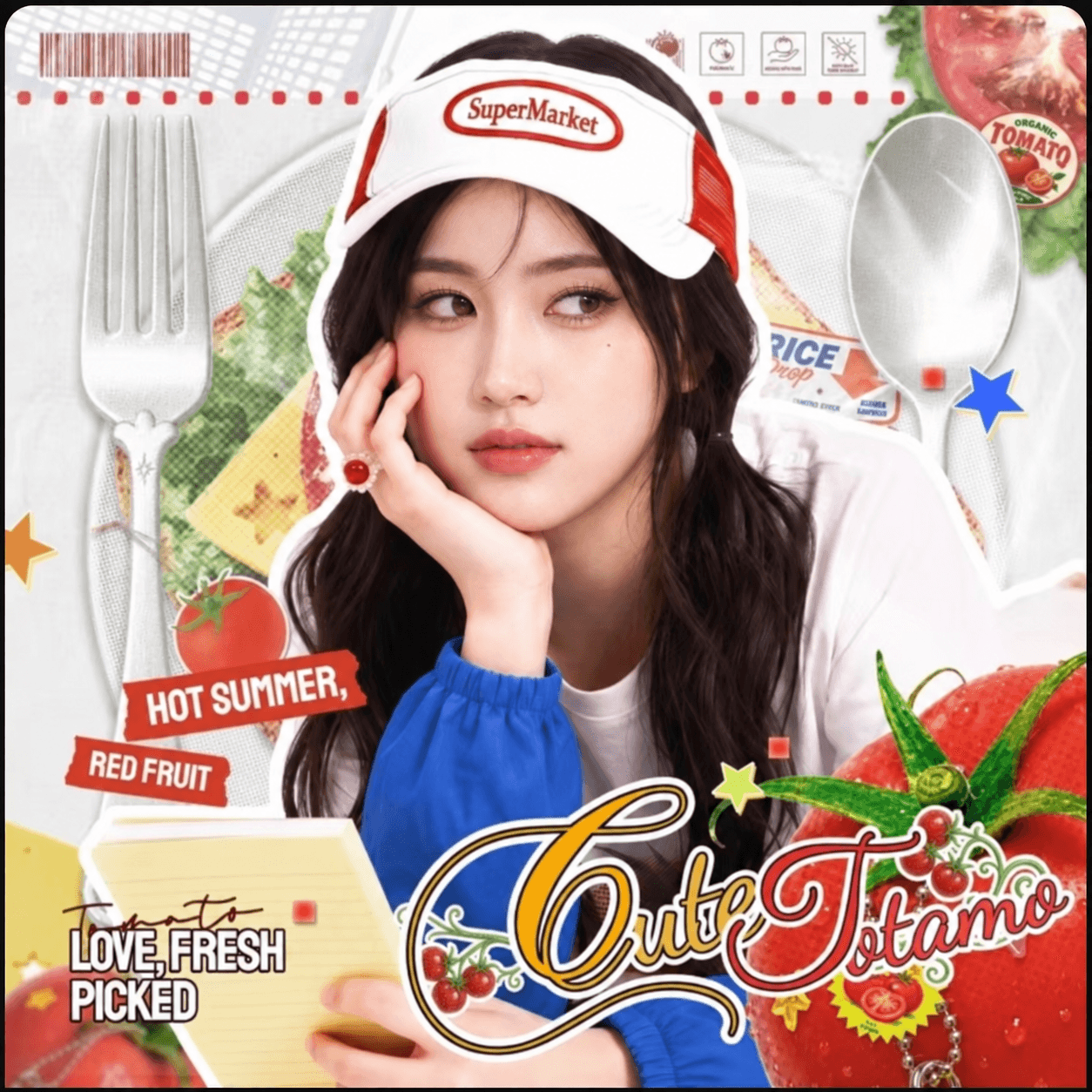
Square Card · Tomato Market Square
Artist-made by @photocardai
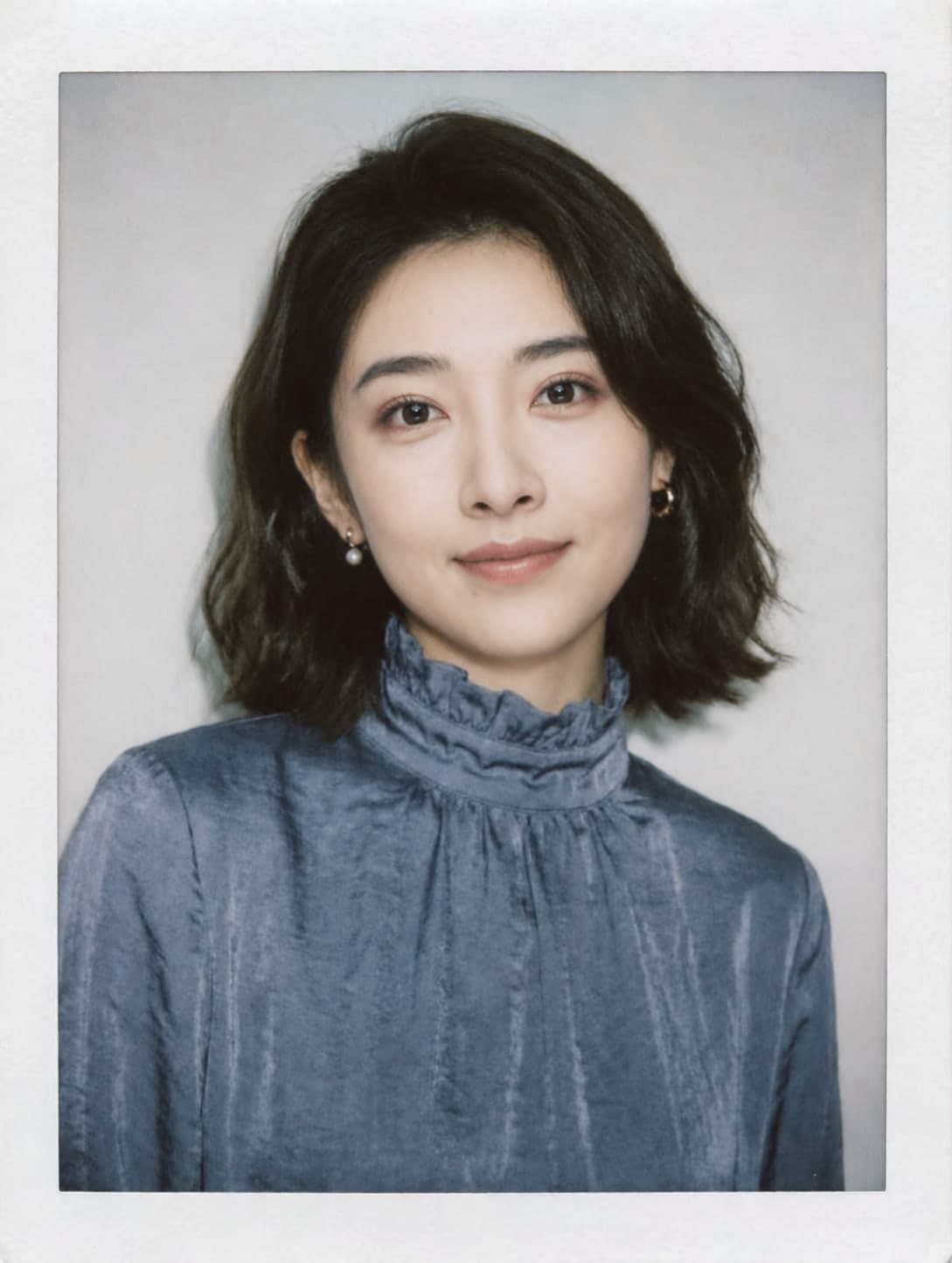
Peel-Apart · Clean White
Artist-made by @photocardai
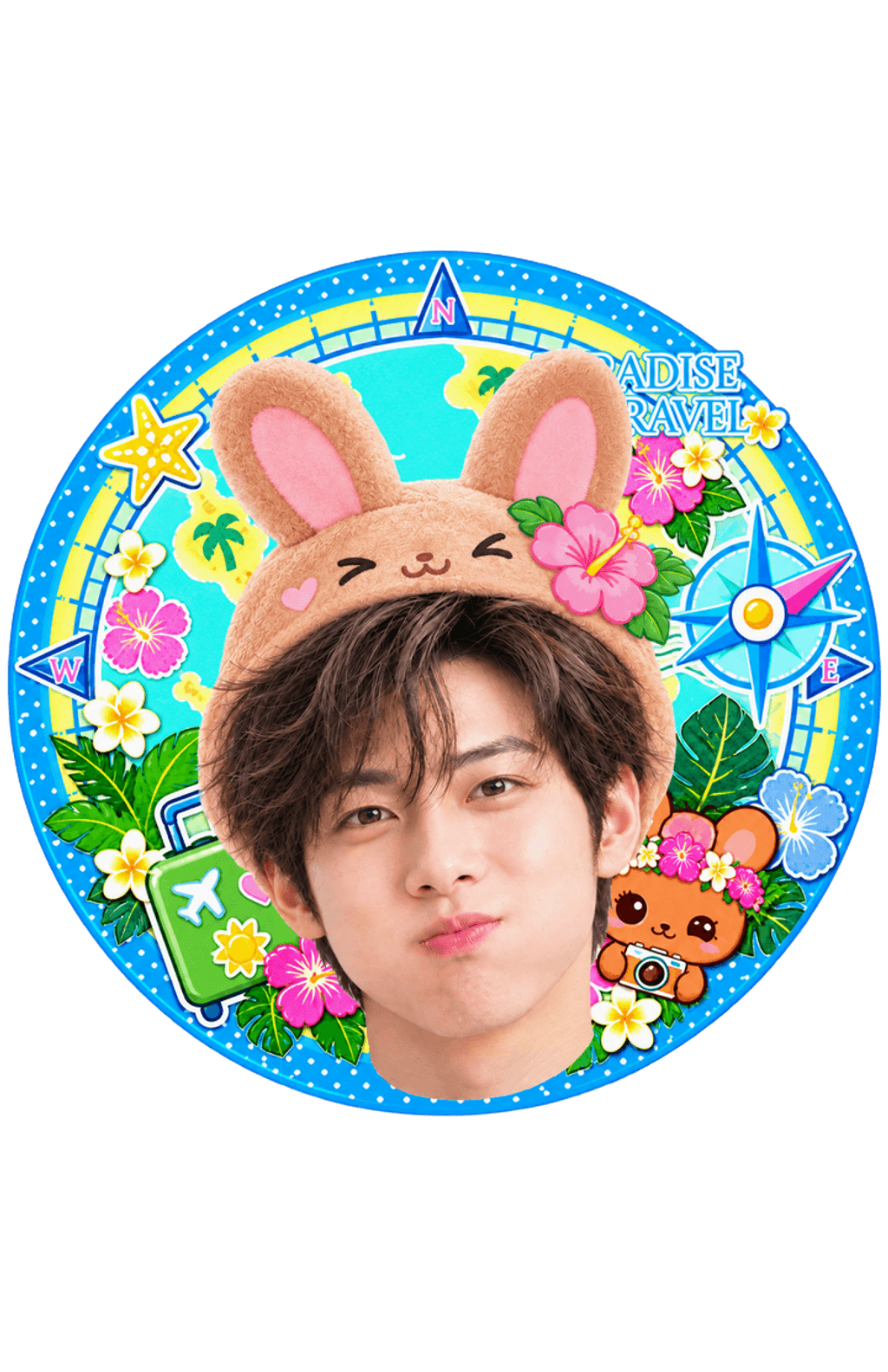
Badge · Paradise Travel Badge
Artist-made by @photocardai
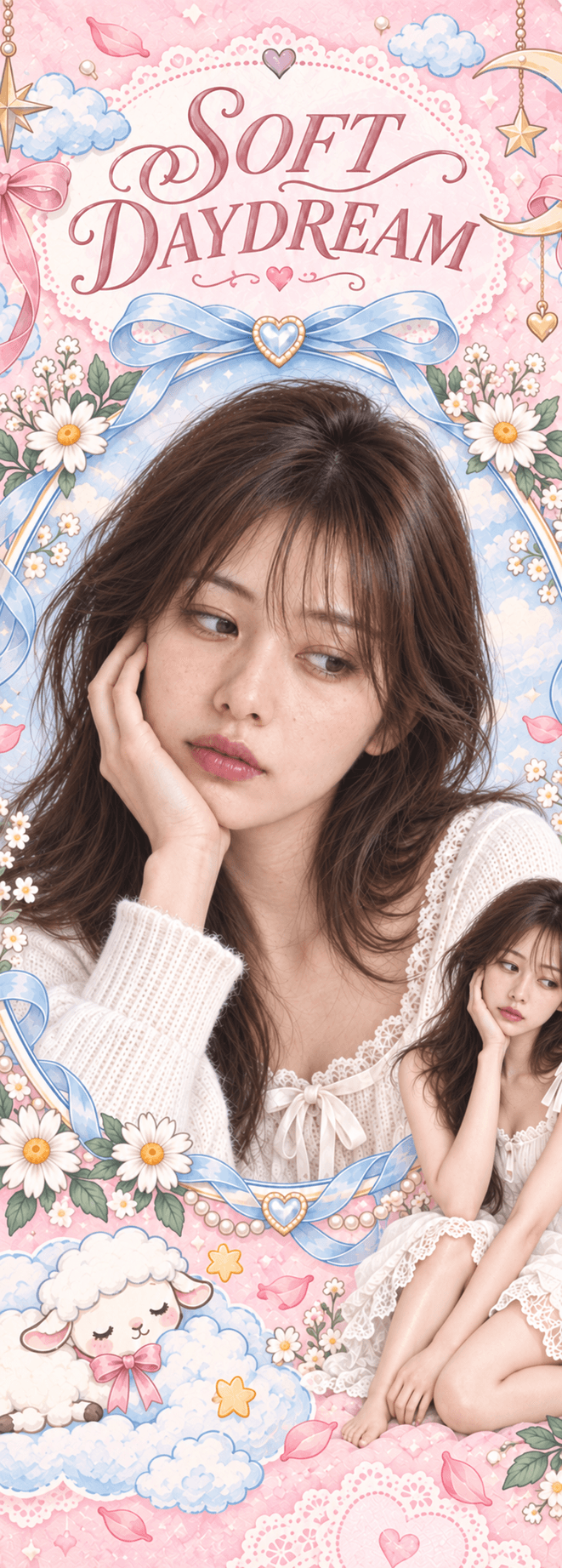
Bookmark · Soft Daydream Bookmark
Artist-made by @photocardai
33 designs
Create the classic collectible format with original album, birthday, editorial, collage, and single-portrait concepts. Each design keeps its own photo count and editing route.
Start with Soft Orbit13 designs
Choose between decorated single-photo instant prints and ordered four-photo booth grids, all grouped in the same Polaroid product family.
Start with Midnight Replay3 designs
Use a compact square composition for full-person cutouts, layered portraits, and two-photo designs. The square frame remains distinct from the standard photocard format.
Start with Tomato Market Square3 designs
Turn one portrait into a tactile analog keepsake with worn paper, faded emulsion, restrained color, and the characteristic peel-apart edge treatment.
Start with Clean White7 designs
Fit one portrait into round, heart, star, and custom-shaped badge artwork. Each design applies the crop and layering intended for its visible photo area.
Start with Paradise Travel Badge3 designs
Compose one portrait inside a tall, narrow paper keepsake with its original decorative layout, title treatment, and bookmark proportions preserved.
Start with Soft Daydream BookmarkHow to use
Make the creative choices together, then review the result before downloading anything.
Pick an original card style, upload the portrait it needs, and choose the person to keep if more than one face is visible.
Before generating, adjust your photo position and size, choose a filter and outline, or add stickers in the free live layout preview.
Use one Pull to create the final card. Downloads use no extra Pull. With HD, you can add a back design or arrange a print sheet.
Questions fans ask
Choose by product format, photo count, and intended output, then open the matching template in its supported editor.
Choose a template on this page, then open it in the card maker. Your selected layout carries into the editor so you can upload the required portraits and review the generated preview.
Most photocards, square cards, peel-aparts, badges, and bookmarks start with one clear selfie. Check the photo count on each template before choosing it.
Yes. Four-photo Polaroid templates keep each ordered portrait inside its assigned grid position.
The standard Photocard format uses a 55 × 85 mm trim and a 61 × 91 mm full-bleed canvas. Other product formats keep their own proportions.
Review the complete size guideMade for fans
Start with the physical shape and number of photos you want, then choose the design that fits your project.
Photocard
Choose portrait, collage, birthday, and album-inspired layouts.
Square Card
Keep the full-person pose or two-photo layout inside a square format.
Polaroid
Use a single decorated portrait or a four-photo booth sequence.
Peel-Apart
Apply restrained monochrome tones and tactile peel-apart finishes.
Badge
Frame a face, head-and-shoulders crop, or photo window in badge art.
Bookmark
Place a portrait inside a narrow decorative bookmark composition.
Quick answers
Yes. Choose a product format and template, upload the exact number of portraits requested, and use the browser editor to create a preview without installing design software.
Each preview shows its requirement. Current templates request one, two, three, four, or six portraits.
No. The templates are original K-pop-inspired concepts and do not copy an artist, label, logo, protected album design, or celebrity identity.
No. Photocards, square cards, instant-film layouts, peel-aparts, badges, and bookmarks keep their own format and composition inside the editor.
Keep creating
Move between creation, template choice, sizing, and printing without losing the task you came to complete.
Create
Upload a portrait and create an original fan-made concept.
Open pageGenerate
See how the shared AI card workspace handles each format.
Open pageSize
Use the correct 55 × 85 mm trim, bleed, and pixel dimensions.
Open pagePrepare A4 or Letter sheets without losing the crop.
Open page