How to choose the best K-pop photocard maker for your workflow
Compare photocard makers by how well they preserve a face, handle private photos, show previews, export print files, and charge.
Quick answer
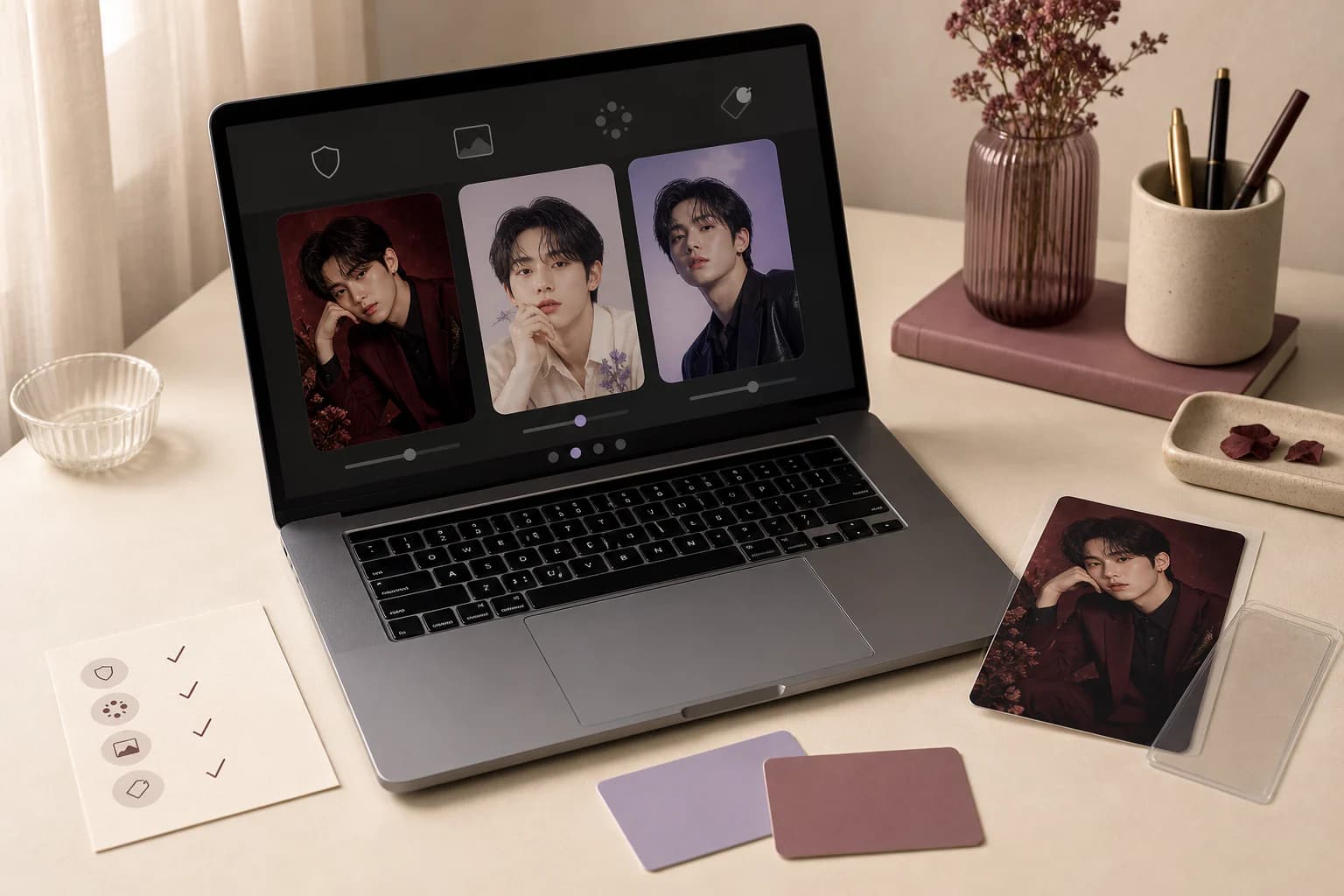
Choose a photocard maker by the file you need, not its best demo image. Test a permitted portrait and check whether you remain recognizable, how long the upload is kept, what you can inspect before paying, and whether the download has real print dimensions. Open the final file before buying more credits or a larger plan.
First check
Identity preservation
The finished person should remain recognizably themselves.
Print check
Native export
A screen preview is not automatically a print master.
Privacy check
Retention and sharing
Know how long originals remain and whether publishing is opt-in.
Price check
Charge moment
Know when you pay and what happens after a failed result.
On this page +
- 01Decide what "best" means for the card you want to make
- 02Use a transparent comparison checklist
- 03A decision path for choosing a photocard maker
- 04Evaluate identity and image quality separately
- 05Read privacy and rights rules before uploading
- 06Run one complete test before buying a larger plan
- 07How Photocard.ai fits these criteria
Decide what "best" means for the card you want to make
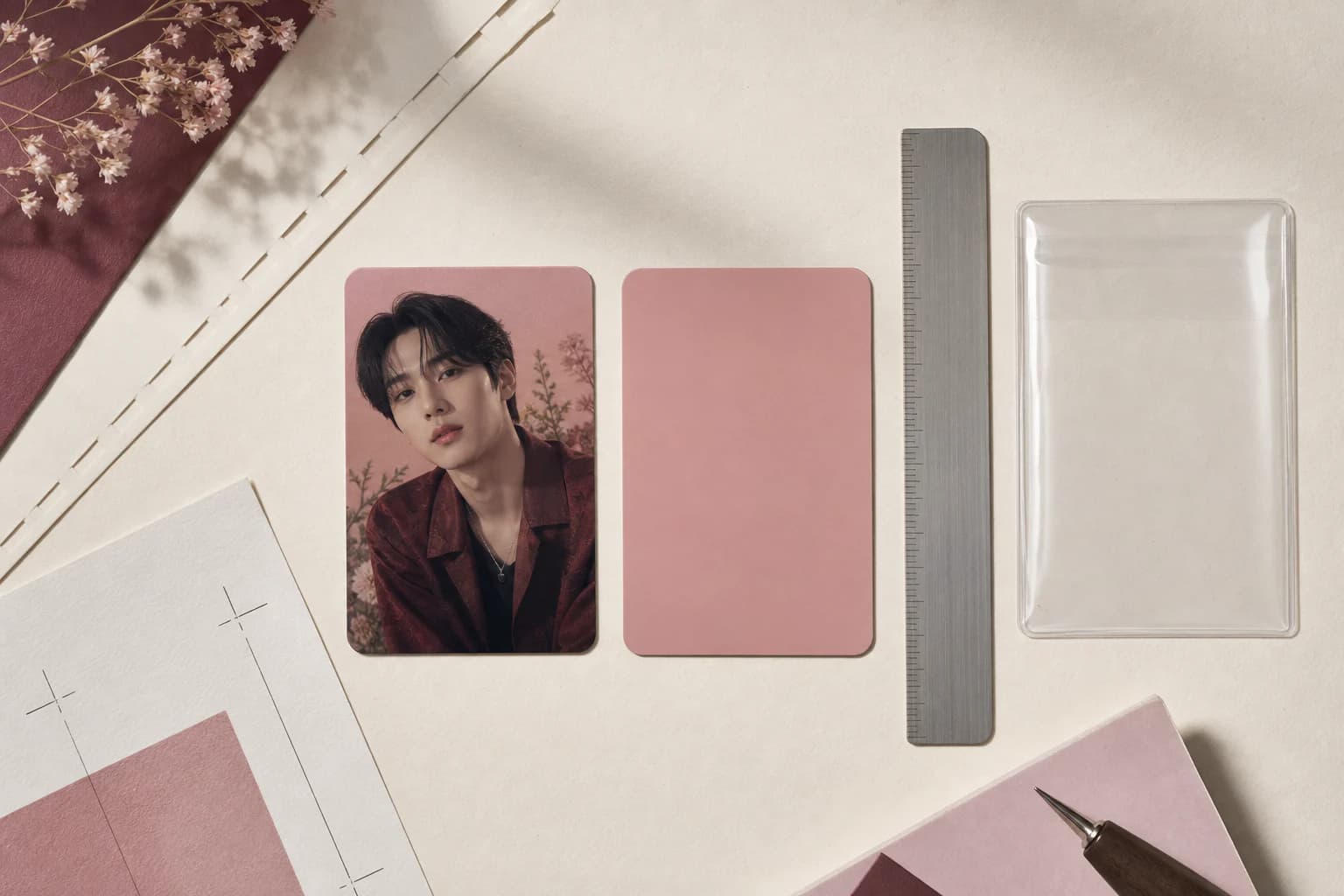
Someone making one private birthday card does not need the same workflow as a person printing fifty cards. Start with the end result: a social post, a clean digital card, a 55 × 85 mm print, or a whole print sheet.
Next, decide how much control you want. A layout editor gives you precise placement but asks you to do more of the design. A generative tool can rebuild the whole scene, though you have to watch the face, hands, and lettering more carefully. Fixed templates are more predictable but leave less room to improvise.
The polished image on the homepage tells you very little. Walk through the upload, preview, retry, download, privacy, and payment steps. That is the product you will actually use.
Use a transparent comparison checklist
| Criterion | What to verify | Warning sign |
|---|---|---|
| Identity | The person remains recognizable and failures are rejected or clearly flagged | The demo style is strong but facial identity changes between results |
| Templates | Creative directions are original, described clearly, and suited to the source crop | The product depends on copying official cards or celebrity likenesses |
| Preview | You can inspect the actual generation before paying for its clean HD files | Payment occurs before any result can be meaningfully evaluated |
| Resolution | Native output dimensions and derived export sizes are stated | A small preview is marketed as print-ready without exact dimensions |
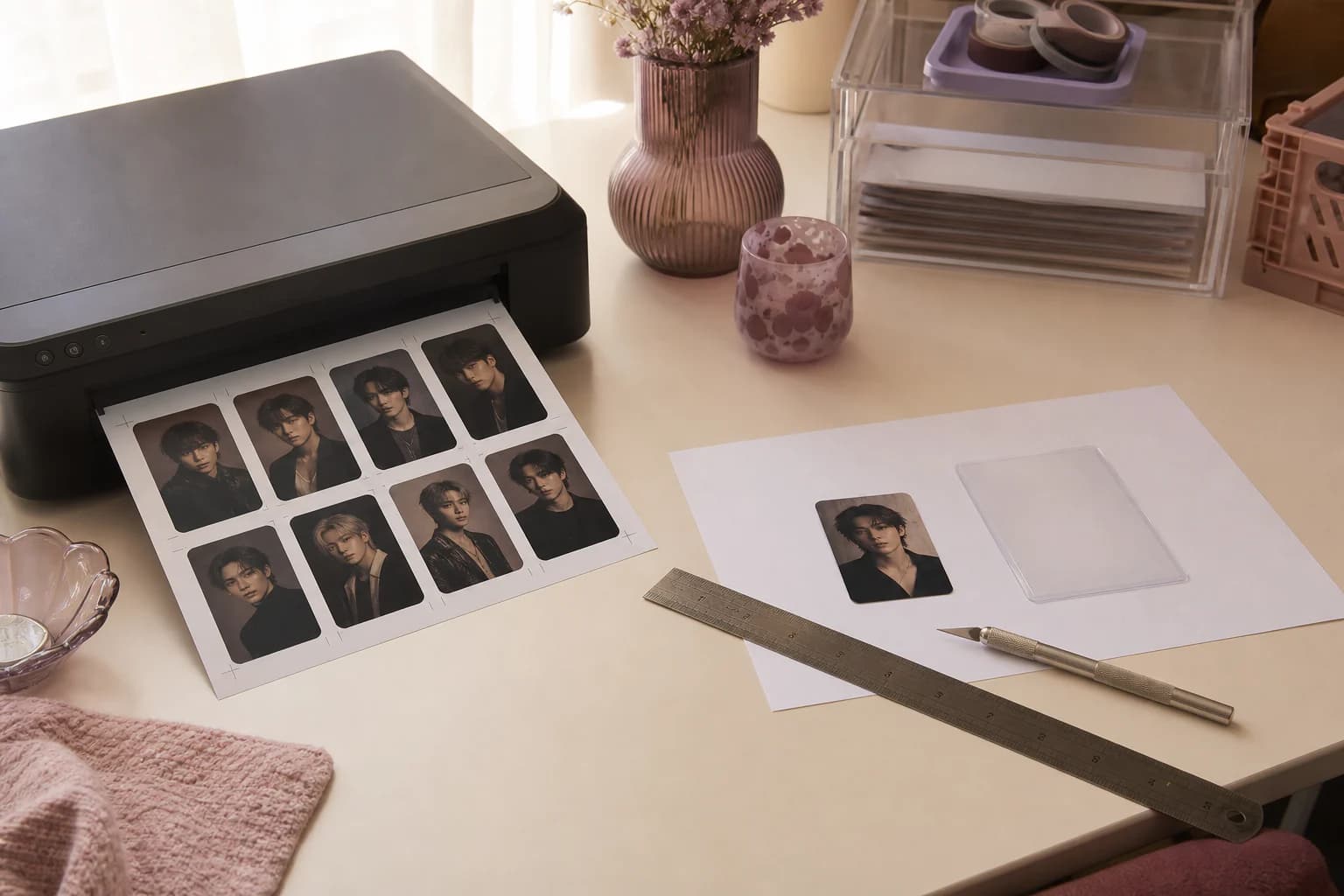
| Printing | Finished size, bleed, PDFs, crop marks, and scaling instructions are explicit | The site says printable but provides only a social-image download |
| Privacy | Retention, deletion, public sharing, and model-processing boundaries are readable | Source photos appear public by default or retention is not explained |
| Pricing | The charge moment, included files, retries, and failed-job behavior are defined | Credits are deducted without a clear result or entitlement description |
A decision path for choosing a photocard maker
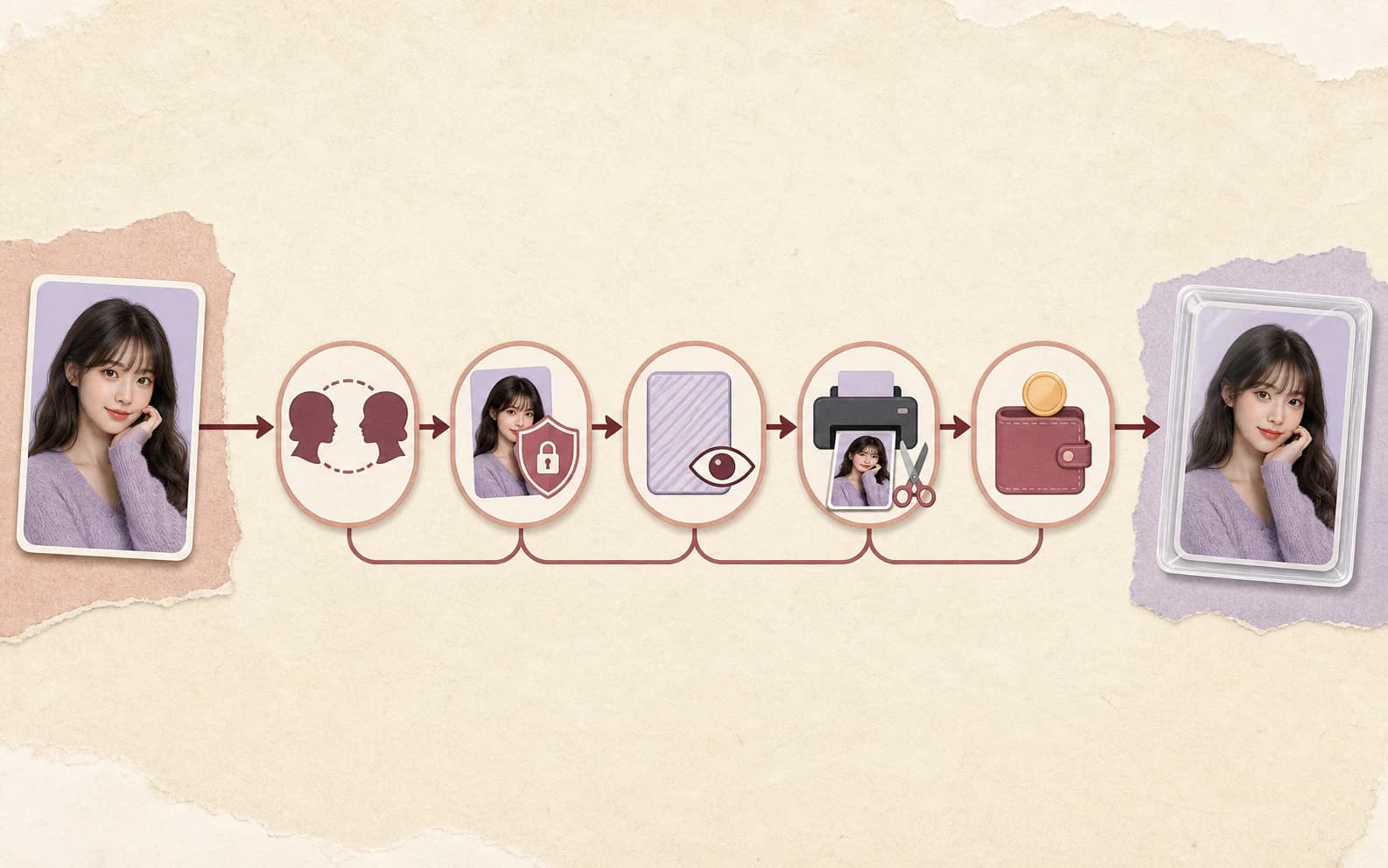
Evaluate identity and image quality separately
A beautiful scene is still a bad result if the person looks different. Compare the expression, gaze, eye shape, face proportions, and the small features you recognize. On a group card, count the people and make sure the tool has not swapped their faces.
Resolution is a separate check. Look for exact pixel dimensions and find out whether the large file is generated at that size or enlarged later. Zoom in on hair, skin, gradients, small decoration, and edges. The word 4K does not tell you whether those details survived.
On Photocard.ai, the review copy is a clean low-resolution preview. After HD unlock, the private full-bleed master is 2747 × 4096 pixels. Other tools may use a different setup, but they should be just as clear about what you receive.
Read privacy and rights rules before uploading
Find out how the service uses source photos, how long it keeps originals and results, and what deletion actually removes. A generated card should stay private until you choose to share it.
The service's privacy policy does not give you permission from the person in the picture. Upload photos you own or are allowed to transform. Ask again before turning a private card into a public post.
A maker cannot give you rights to somebody else's name, logo, character, celebrity photo, or official card design. Original concepts and clear fan-made labeling are the safer route.
Run one complete test before buying a larger plan
- ✓Upload a permitted portrait representative of the photos you expect to use.
- ✓Choose a template you would genuinely select, not only the easiest demo option.
- ✓Inspect the actual preview for identity, anatomy, crop, decoration, and visible text.
- ✓Check when the product reserves or charges credits and what happens after a failure.
- ✓Verify exact pixel dimensions and whether the download includes trim, bleed, and print sheets.
- ✓Open the final file, check its dimensions, and make one measured print proof if physical output matters.
- ✓Review deletion, retention, and sharing controls before using more sensitive portraits.
Questions people ask
Frequently asked questions
What should I look for in a K-pop photocard maker?
Check whether the face stays recognizable, how the service handles the source photo, what you can preview before paying, and the exact size of the files you download. Pricing and failed-generation rules should also be clear.
Is an AI photocard maker better than a template editor?
It depends on how you like to work. A generative maker can rebuild the scene, but you need to check the face and small details. A template editor gives you more predictable placement and manual control.
Does a 4K label guarantee a good printed photocard?
No. Check the exact pixel dimensions, facial detail, physical card size, bleed, and print files. A large image can still be soft or use the wrong proportions.
Should I pay before seeing the generated photocard?
Use a service that tells you what you can inspect before payment and what the unlock includes. Photocard.ai shows a clean low-resolution generation before you unlock the private HD files.
Is this an independent ranking of photocard makers?
No. Photocard.ai publishes this guide. It explains the checklist we use and how our product works, but it is not independent testing or a claim that we are best for everyone.
On this page +
- 01Decide what "best" means for the card you want to make
- 02Use a transparent comparison checklist
- 03A decision path for choosing a photocard maker
- 04Evaluate identity and image quality separately
- 05Read privacy and rights rules before uploading
- 06Run one complete test before buying a larger plan
- 07How Photocard.ai fits these criteria